Join the free betaRequest sent
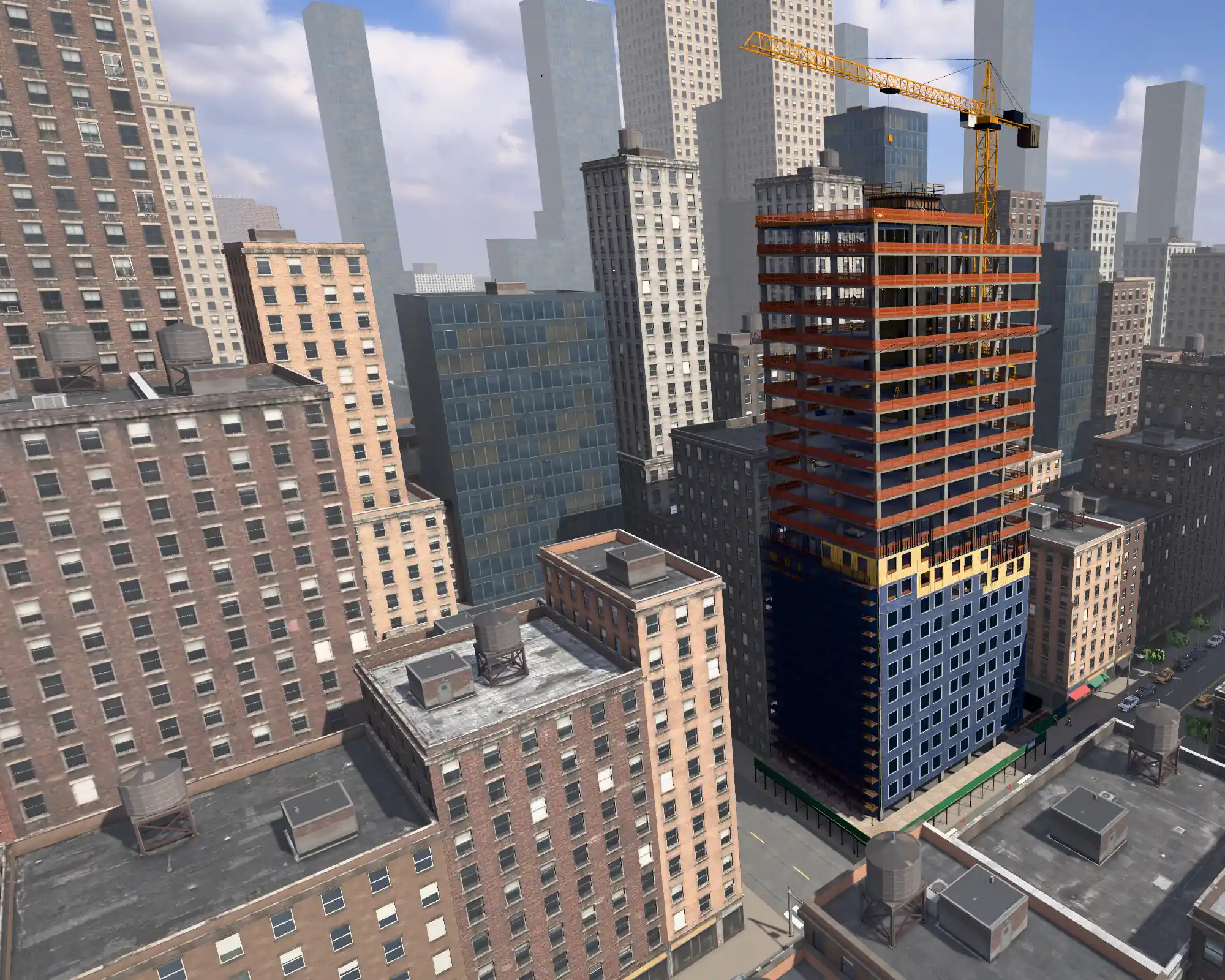
A concrete tower under construction: a crew on the top deck, a tower crane above it, the street far below

The jobsite that
reports to you.

Levelog reads the gate, the logs and DOB records, then sends the job’s report on your schedule: daily to quarterly, or on demand.

A demo job is shown, as of Nov 18, 2026.Your request for the free beta is in.

Demo job · as of Nov 18, 2026

Logbooks, signed on a phone.

Check-ins and filed logs go into the daily report, sent at 6 p.m. to the people you choose. Live

Ask the drawings. Get the sheet.

Ask in plain words. The printed line comes back with its sheet number. Live

Takeoff from the same PDF set. In pilot A 3D model and a clash check. In build

Put your next job on it.

Crews tap in at the gate with no app. The beta is free.

Shown: Harbor Row Tower, a demo job (demo job)

Reports that send themselves.

An admin sets the schedule once per job. Every report is built from the job’s own records, and every section names the records it came from. Each risk and each change carries the tag of its record. Live

How often

Weekly. Mondays at 8 a.m. Covers the week before.

One report, six periods. The same records go through the same five steps; only the period changes. Daily to quarterly are schedules, in any combination per job; on demand needs none. Weekly to quarterly stay off until an admin turns them on.

One quarter, week by week (Q4 2026)

Daily on every day with a log or a check-in. Weekly every Monday. Bi-weekly on alternate Mondays. Monthly on the 1st. Quarterly on the first day of the quarter. On demand at any time.

The WhatsApp message it arrives with

Harbor Row Tower · Nov 9–15- Site: 6 subs · 4 of 4 days · avg 29.8 workers/day (previous 32.4)- Work: formwork Top deck (Kestrel Concrete), conduit floor 13 (Brightway Electric), return ductwork floors 14–15 (Northline Mechanical), +3 more in the report- Regulatory: 2 open violations/complaintsFull report (PDF) attached.

LEVELOG · CONSTRUCTION PROGRESS REPORT

Harbor Row Tower

Harbor Row, Brooklyn, NY (demo job) · Demo General Contractor

Nov 9–15, 2026

Weekly · prepared Nov 16, 2026

High riskSet by the highest risk in this report. Not a judgment of schedule, cost or quality.

  • 4 / 4Working days with site activity
  • 29.8Average workers on site per day▼ 2.6 vs previous (32.4)
  • 34Peak workforce · Nov 13
  • 6Subcontractors on site

First risk in this report HIGH 2 DOB/DOT violations or complaints open: DOB complaint DEMO-C-4471 and DOB violation DEMO-ECB-0398.R1R2

The sample’s sections load when you reach them.

Sample report. Words and numbers are the report engine’s output on demo data, laid out here for the web. The product sends it as a PDF.

Set once per job, in the app

Tick any of the five schedules (daily, weekly, bi-weekly, monthly, quarterly), the admins and project managers who get them, and WhatsApp, email or both. On demand needs no schedule: press Generate now. If the PDF cannot be attached, a link that needs no login works for 30 days.

Drawn from the app’s own screen text; not a screenshot. Names and choices are demo data.

Send automatically

Reports

  • DailyThe daily report, at its send time, on
  • WeeklyMondays 8am · the week before, on
  • Bi-weeklyEvery other Monday 8am · 2 weeks, off
  • Monthly1st of the month 8am · the month before, on
  • QuarterlyJan, Apr, Jul, Oct 1st 8am · the quarter before, off
More of the screen: who it goes to and how, Generate now, the daily report’s time, the reports made

Send to

  • Alex Moreno · Admin, on
  • Project manager (demo) · PM, on

How

  • WhatsApp (the PDF in a DM), on
  • Email (the PDF attached), off

Generate now

  • Last 7 days
  • Last 2 weeks
  • This month
  • Last month
  • This quarter
  • Whole project
  • Custom range

Pick at most 400 days.

Generate

Daily report — time (New York)

  • 6:00 AM
  • 12:00 PM
  • 3:00 PM
  • 5:00 PM
  • 6:00 PM
  • 7:00 PM
  • 8:00 PM
  • 9:00 PM

Daily report — also email to

owner@example.com

email@example.comAdd

Reports

  • Nov 9–15, 2026Weekly · ScheduledOpenDownloadShare
  • Nov 5–18, 2026Made in the app by Alex MorenoOpenDownloadShare
How a line gets into the reportSite activity Evidence on record Schedule comparison Risks and changes The report, sentShow the five steps, with a real line at each

The examples are lines of the sample report of Nov 9–15, 2026.

  1. Site activity

    Crews check in at the gate. Each sub’s day is filed in the log. The city posts its records.

    In the sample

    Kestrel Concrete: formwork on Top deck

    119 check-in records, Nov 9–15 (NFC / QR gate; one worker counts once a day)

  2. Evidence on record

    Each record is dated and gets a letter: G gate, L logs, R city, S schedule.

    In the sample

    L Filed daily logs 3 daily jobsite logs filed in the period

    R1 DOB complaint DEMO-C-4471 DOB record; status ACTIVE a810-bisweb.nyc.gov

  3. Schedule comparison

    When you import and confirm your schedule, its dates are set beside what the logs report.

    In the sample

    Activity
    Permanent power
    Original
    Nov 6
    Current
    Dec 4
    Shift
    +28 d

    Finish or start dates 7 days or more later than the original; smaller shifts are in the milestone table and the schedule file. Dates as they appear in the schedule file; no cause is inferred.

  4. Risks and changes

    Fixed rules read the records for what changed and what to watch. No AI writes the text.

    In the sample

    HIGH 2 DOB/DOT violations or complaints open: DOB complaint DEMO-C-4471 and DOB violation DEMO-ECB-0398.R1R2

  5. The report, sent

    One PDF by WhatsApp or email, to the admins and project managers you choose.

    In the sample

    Regulatory — 2 DOB/DOT violations or complaints open and 1 record issued in the period.

    The WhatsApp message it arrives with begins: Harbor Row Tower · Nov 9–15

Every part of reporting and its status

What it does today

The app’s own screens, on a demo job.

  1. The gate Live

    Crews check in on their own phones.

    No app, no account. An expired SST card is flagged for your competent person.

  2. The deck Live

    Logs are signed on a phone.

    At 6 p.m. the day’s logs and photos go out as one report. See the reports

  3. The city Live

    DOB, DOT and 311 for your address.

    New York City’s own records, checked about every 15 minutes.

  4. What size is the supply duct on 17?

    36x18 SASheet M-117

    Example exchange, demo values

    The drawings Live

    Ask the drawings. Get the sheet.

    Ask in the job’s WhatsApp group. The printed line comes back with its sheet number, or “not found”.

In build Not in the product or the free beta today, no date promised: a 3D model, a clash check and estimating. In pilot Takeoff, on a few jobs. See the illustration on the demo job

Live in the product todayBeta in the product, still changingIn pilot on a few jobs with usIn build not in the product yet

Every part of the product and its status

Who gets what

General contractors

What is open on every job, before the day starts.

  • Reports on your schedule: daily to quarterly, or on demandLive
  • The morning message for every job, in WhatsAppLive
  • Gate check-in, logbooks and the city’s recordLive
  • Who promised what, read from the group chatBeta

What arrives

The job’s report as a PDF, by WhatsApp or email, to the admins and project managers you choose. And a WhatsApp message at 7 a.m. with what is open.

See the sample report

Join the free beta

We set your first job up with you.

Owners and investors

The same report your contractor sends.

  • Daily report by email at 6 p.m. No loginLive
  • Progress report as a PDF, shared by your contractorLive
  • The city’s record for the addressLive

What arrives

The daily report by email at 6 p.m. The progress report, weekly to quarterly, as a PDF your contractor shares. It is the contractor’s report, not a separate owner edition.

See the sample report. The button opens an email with this page’s link for you to send.

Send this to your contractor

Your contractor adds your email to the daily report. You need no account. Or join the free beta yourself.

Subcontractors

On site with no app to install.

  • Gate check-in with no app and no accountLive
  • Your punch items as one linkLive
  • Ask the drawings in the job’s WhatsApp groupLive

What arrives

A link with your punch items for the job. It opens on any phone.

Described here, not pictured. The button opens an email with this page’s link for you to send.

Send this to your GC

The contractor sets the job up. Your days on site and reported work appear in the contractor’s report; it is not sent to subcontractors. Or join the free beta yourself.

Preconstruction

Answers from the PDF set you already have.

  • Ask the drawings: the printed line and its sheetLive
  • Schedule import (P6, Microsoft Project, Excel or PDF) for planned vs actual in the reportLive
  • Takeoff, every count traced to its sheetIn pilot
  • 3D model, clash check and estimatingIn build

What arrives

On pilot jobs, a spreadsheet of counts, each with the sheet it came from.

Described here, not pictured.

Ask for a place in the takeoff pilot

Say so in your reply. Pilot places are few. There is no report for preconstruction today.

What you can check today

Levelog is in beta. This is what stands behind it today, and what does not yet.

  • Who runs it

    Operated by Roy Fishman Management LLC. Write to hello@levelog.com. The log-in above is the real product.

  • A signed record is frozen

    Every signature keeps who signed, their role, the time, the device and a hash of what was signed. A correction is a linked amendment.

  • Where your data goes

    Over HTTPS only. Every outside service is named with what it receives, AI models included. No advertising. A job’s records are kept for 7 years after its completion date. What happens to them if a company leaves the beta is not written down yet.

  • Not in the product today

    Two-step sign-in, single sign-on and a SOC 2 report. Written beta terms are being prepared.

Security and your data How the free beta works

Questions

My subs won’t download another app.

They don’t have to. Check-in is a web page that opens from the tag at the gate. Punch items arrive as a link.

We already run Procore.

Keep it. Levelog does not do RFIs, submittals, budgets, change orders or invoicing. It tells you what happened on the job today, each item with its source. How it compares, with sources

Who writes the reports, and can a line be traced?

Nobody writes them, and no AI. Fixed templates turn the job’s records into the report; a vision model only screens the daily-log photos. Each section carries the tag of its source and the last page lists every record. City records link to the city’s site. A log is cited by its date; you cannot click through to it yet. See the evidence page

Does it verify SST cards?

No. It reads the card from a photo and flags an expired or unreadable one for your competent person, who decides what happens. Levelog does not open or lock a gate. Validation stays in the city’s Training Connect app.

Does it work outside New York?

Today it is for New York City jobs. The city records it reads are New York City’s.

Is the 3D building the product?

No. It is a demo job. The screens that open from it are the real app. A 3D model and a clash check of your own job are being built; they are not in the product and not in the free beta today.

What does it cost?

The beta is free, and joining commits you to nothing. The price after the beta is not decided. How the free beta works

Join the free beta.

Joining commits you to nothing.

  1. First we write back by email, with an introduction for your role.
  2. Then your company gets a sign-in to the product.
  3. On your job a job needs a name and an address. A tag or a QR code at the gate starts check-in.

Free. No commitment. The form creates no account. PrivacyHow the beta works

Or write to hello@levelog.com.